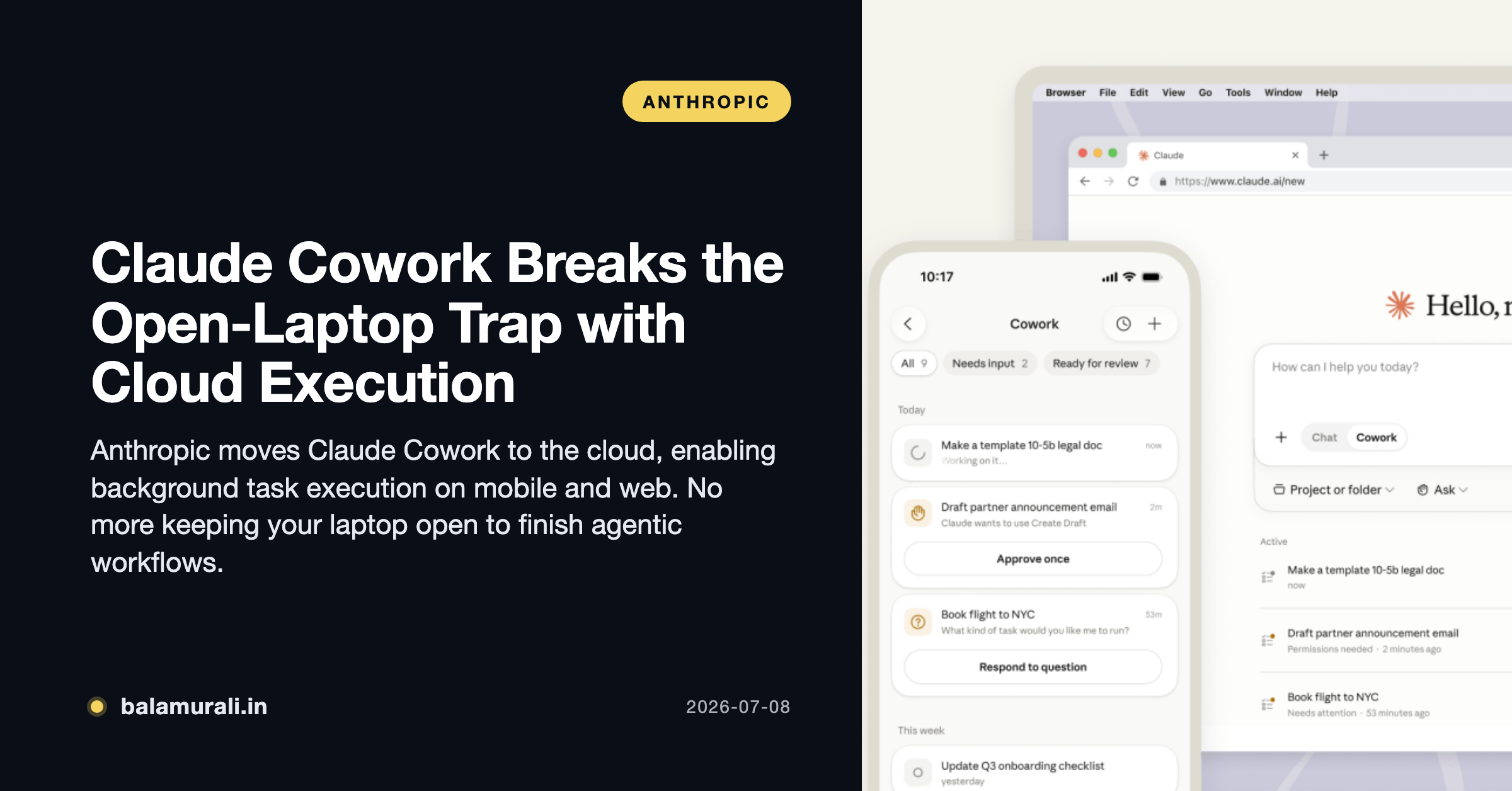
Anthropic has officially untethered its agentic AI from the desktop. As of July 7, 2026, Claude Cowork is launching on mobile and web, shifting from a local-only execution model to a cloud-first architecture that allows tasks to run even when your devices are offline The Verge.
This update marks a fundamental shift in how AI agents operate in the enterprise. By moving execution to isolated cloud environments, Anthropic has solved the “open-laptop trap”—the frustrating requirement that a user’s machine remain awake and connected for an agent to complete multi-step workflows. Now, a user can kick off a complex data reconciliation task on their desktop, close the lid, and receive a push notification on their phone once the final spreadsheet is ready for review TechCrunch.
The Technical Shift: From Local to Cloud-Isolated Containers
While the original January 2026 launch of Cowork focused on local file system access via the desktop app, this expansion introduces a robust cloud execution layer. When a task is triggered via the web or mobile interface, Anthropic instantiates a disposable, single-use Linux container (Ubuntu-based) on its secure servers Anthropic Support.
These environments are ephemeral; the virtual machine exists only for the duration of the task and is securely erased upon completion. For enterprise users, this provides a middle ground between the deep local access of the desktop app and the convenience of cloud-native tools. However, there is a functional trade-off: while the desktop app can leverage native OS virtualization to read explicitly mounted local folders, the web and mobile versions rely on connected cloud storage (Google Drive, OneDrive) or files explicitly uploaded to the thread Anthropic Support.
Usage Data: The Rise of the “Administrative Coworker”
Alongside the launch, Anthropic released a study of 1.2 million anonymized sessions that clarifies exactly who is using these agents. Despite the “Claude Code” heritage, only 8.7% of Cowork sessions are for software development Anthropic Blog. Instead, the tool has been claimed by operations and finance teams.
| Category | Usage Share |
|---|---|
| Business Process & Operations | 33.4% |
| Content Creation & Copywriting | 16.4% |
| Software Development | 8.7% |
| DevOps & Infrastructure | 7.0% |
| Research & Intelligence | 6.4% |
The data suggests that Cowork is being used for the “work around the work”—consolidating updates, reconciling spreadsheets, and creating onboarding checklists VentureBeat. It is effectively becoming an automated administrative layer for the modern office.
Competitive Landscape: Anthropic vs. OpenAI
In 2026, the agent market has bifurcated. OpenAI’s Codex and ChatGPT Workspace Agents dominate the “cloud-native” breadth, leveraging deep Microsoft 365 integrations and org-wide shared skills. Anthropic, conversely, has carved out a dominant 42% share in engineering and a 32% share in regulated industries like legal and finance Vellum.
Anthropic’s edge remains its Model Context Protocol (MCP), which allows for more meticulous multi-file system navigation compared to OpenAI’s more generalized browser-native approach. For CFOs, the choice often comes down to pricing: Anthropic offers a predictable flat rate of $30–$35 per user/month for enterprises, whereas OpenAI’s model often involves consumption-based token overages for heavy automated tasks Techsy.
Availability and Rollout
The mobile and web versions are currently in beta. The rollout follows a tiered schedule:
- Max Subscribers: Immediate access as of July 7.
- Pro, Team, and Enterprise: Rolling out over the “coming weeks.”
- Usage Limits: Anthropic has extended doubled usage limits for Cowork through August 5, 2026, to encourage cross-platform experimentation Mashable.
Takeaways for Practitioners
- Close the Lid: You can now schedule a “Monday morning briefing” task on Friday, shut your laptop, and have the research waiting for you on your phone Monday morning.
- Hybrid Workflows: Use the Desktop App for tasks requiring local file system access (like code refactoring or local doc organization) and the Web/Mobile interface for cloud-integrated tasks (Google Drive/Slack/HubSpot).
- Security Check: Enterprise admins should note that while cloud execution uses isolated containers, it bypasses local network egress rules. Use the Organization Settings to toggle web search and MCP permissions if your data residency requirements are strict Anthropic Support.
- Parallelization: Claude can now split large projects into sub-agents that run simultaneously in the cloud, significantly reducing the wall-clock time for multi-step research projects.