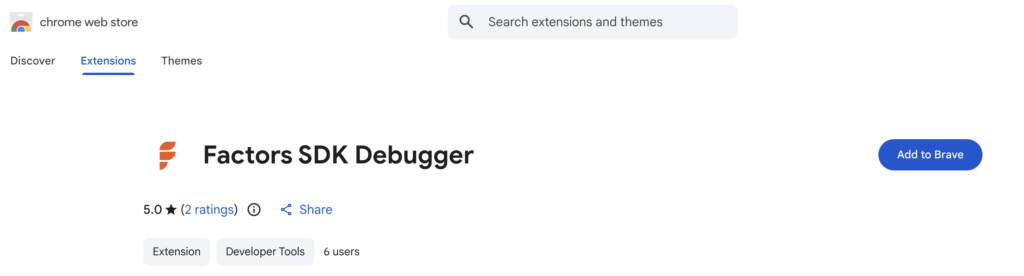
I’m excited to share that my Chrome extension, the Factors SDK Debugger, is now officially available on the Chrome Web Store!
What I Built
The Factors SDK Debugger is a Chrome extension I created to debug and monitor Factors SDK implementations on any website. If you’ve ever struggled with questions like “Is the SDK loading?”, “Are my events firing?”, or “Why isn’t this form being tracked?” — this tool answers all of that instantly from your browser toolbar.
Why I Built This
Working with analytics SDKs, I found myself constantly digging through browser DevTools, checking network requests, and decoding payloads manually. It was tedious and time-consuming. So I decided to build a tool that gives instant visibility into everything the Factors SDK is doing — all in one clean interface.
Key Features
✅ Instant SDK Detection
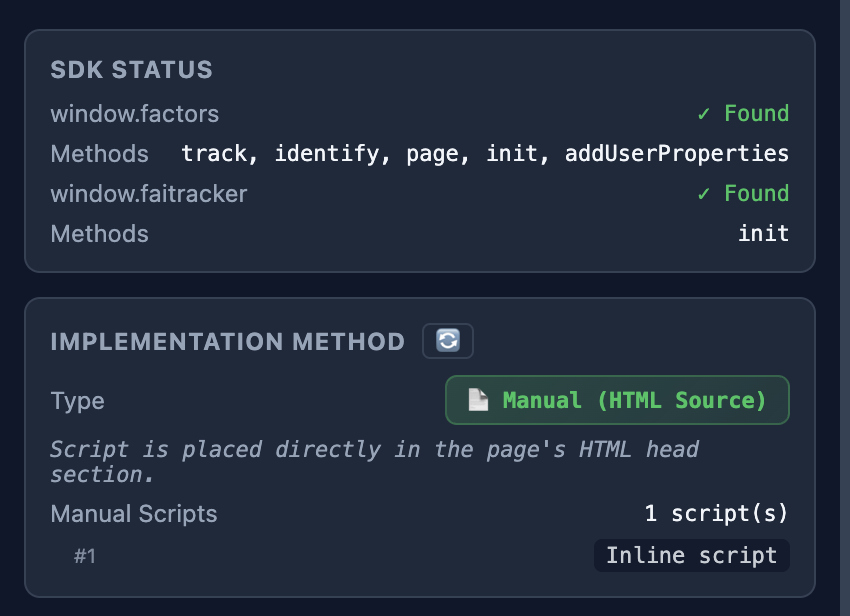
The extension immediately tells you if the Factors SDK is installed on any website, showing:
- SDK version (v1 or v2)
- Implementation method (Manual, GTM, or both)
- Available SDK methods
🔍 Implementation Quality Checks
I added debug flags to help identify common implementation issues:
- Is the script in the
<head>section? ✓ - Does it load before other analytics scripts? ✓
- Is the
.init()call present? ✓ - Async/defer attribute detection
- GTM Container ID display
📡 Real-Time Network Monitoring
See every API call the SDK makes:
- Event tracking calls
- User identification
- Form fill events
- Error reports
All payloads are automatically decoded (the SDK uses Caesar cipher encoding) — so you can inspect exactly what data is being sent without any manual work.

📊 Event Tracking Visibility
View all tracked events in one place:
- Page views
- Custom events
- Form submissions
- Click events
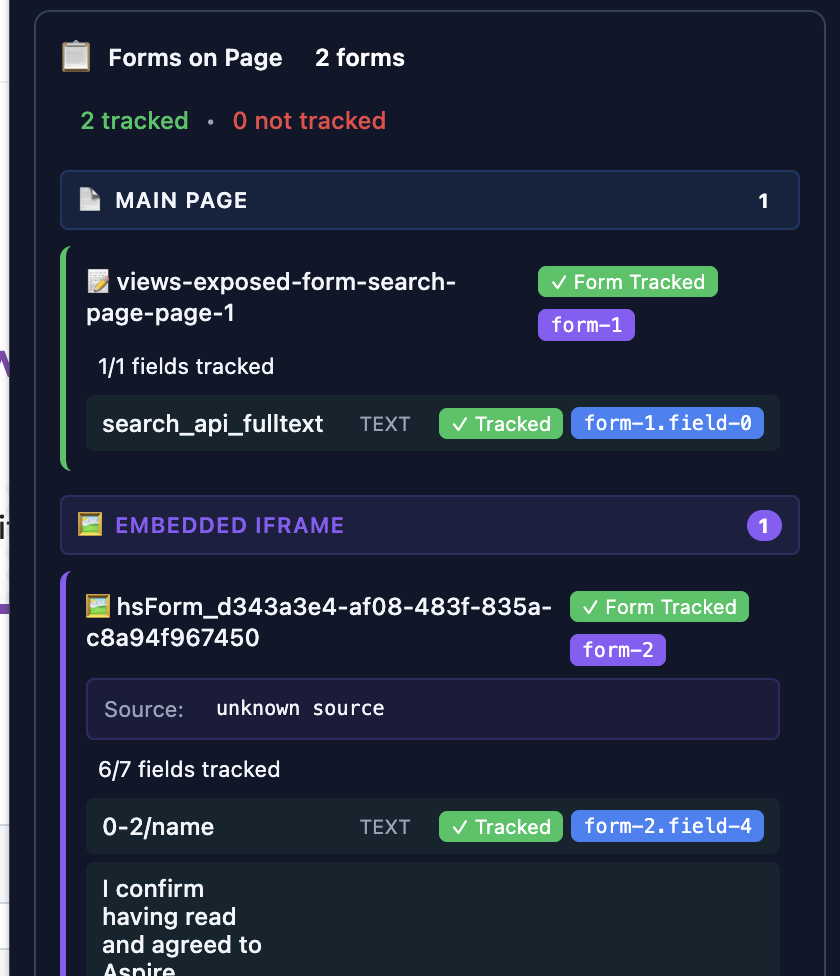
📝 Comprehensive Form Tracking
This was one of the trickiest parts to build. The extension provides deep form tracking visibility:
| Status | What It Means |
|---|---|
| ✓ Form Tracked (Green) | Form is properly tracked by SDK |
| ⚠ Partially Tracked (Yellow) | Some fields tracked, form needs attention |
| ✗ Not Tracked (Red) | Form is not being captured |
It even scans iframes for embedded forms (HubSpot, Marketo, etc.)!
💾 Persistent Data
- Data persists across page navigations
- Organized by domain and page URL
- Automatic cleanup after 24 hours
- Manual clear option available
How to Install
- Visit the Chrome Web Store listing
- Click “Add to Chrome”
- The extension icon will appear in your toolbar
- Navigate to any website and click the icon to start debugging!
Quick Status Indicators
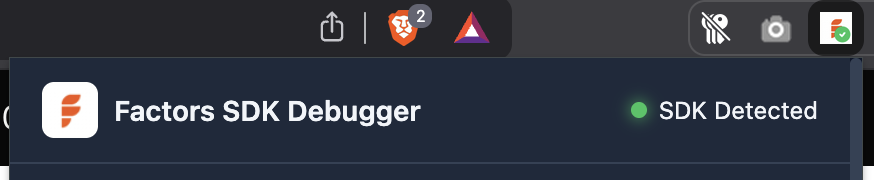
- 🟢 Green dot — SDK detected and active
- 🔴 Red dot — SDK not found on this page
- Badge on icon — Quick visual confirmation when SDK is present
Try It Out
If you work with Factors SDK, give it a try and let me know what you think! I’m always open to feedback and feature suggestions.